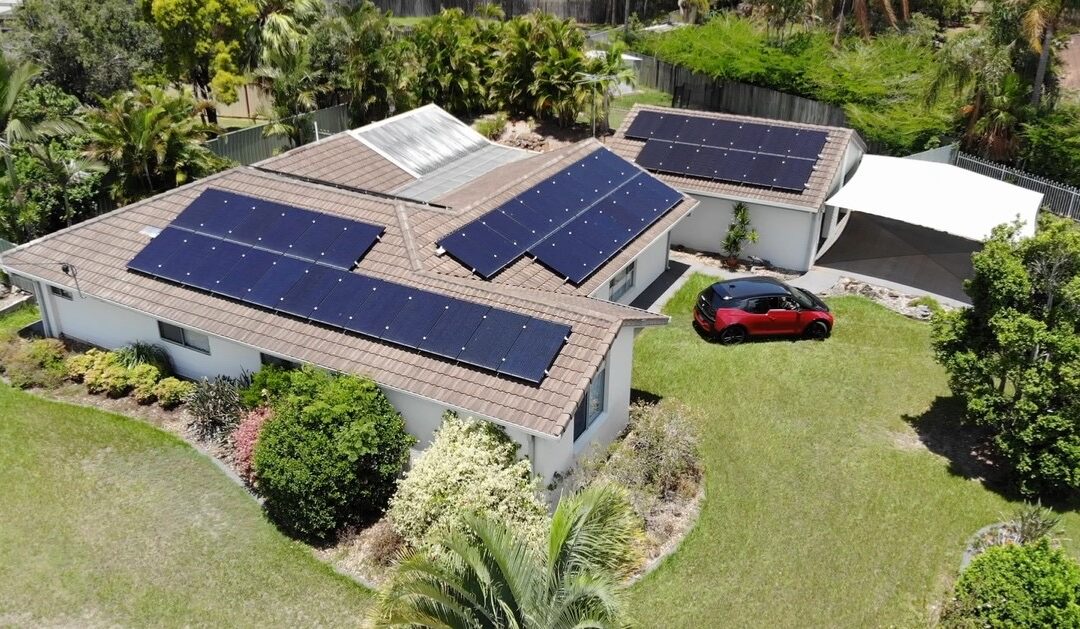
Tips for Solar maintenance
n Divi, the Blog module displays content from your WordPress site’s posts. By default, it pulls entries from the standard “Posts” section found in your WordPress dashboard. These are the blog posts you create under Posts > Add New.
📥 Content Sources for the Divi Blog Module
The Blog module can showcase various post types, including:
-
Standard Blog Posts: These are the typical posts you create in WordPress.
-
Custom Post Types: If your site utilizes custom post types (like ‘Projects’ or ‘Products’), the Blog module can display these as well. help.elegantthemes.com
To specify which content the Blog module displays:
-
Open the Blog Module Settings: Click on the gear icon of the Blog module within the Divi Builder.
-
Navigate to the Content Tab: Here, you’ll find options to:
-
Select Post Type: Choose between Posts, Pages, Projects, or other custom post types.
-
Filter by Category: Display posts from specific categories.
-
Set Post Count: Determine how many posts to display.elegantthemes.com+4wordpress.org+4help.elegantthemes.com+4
-
By configuring these settings, you can control the exact content the Blog module presents on your page.
If you need assistance with creating blog posts or customizing the Blog module further, feel free to ask!